

Ubod documentation
Step-by-step guides illustrated with real app screenshots, to do everything in Ubod.
Complete guide
How to use Ubod: the complete guide
Ubod is a calorie tracking and nutrition coaching app for iPhone and Android. To use it, you log what you eat from the Meal screen (search, AI photo scan or barcode), add recipes with everything already calculated, ask Fanak, the AI coach, your questions, and adjust your goal in Profile. You can also keep your food diary from ChatGPT or Claude.
Read the complete guide
How-to guides
How do I log a food in Ubod?
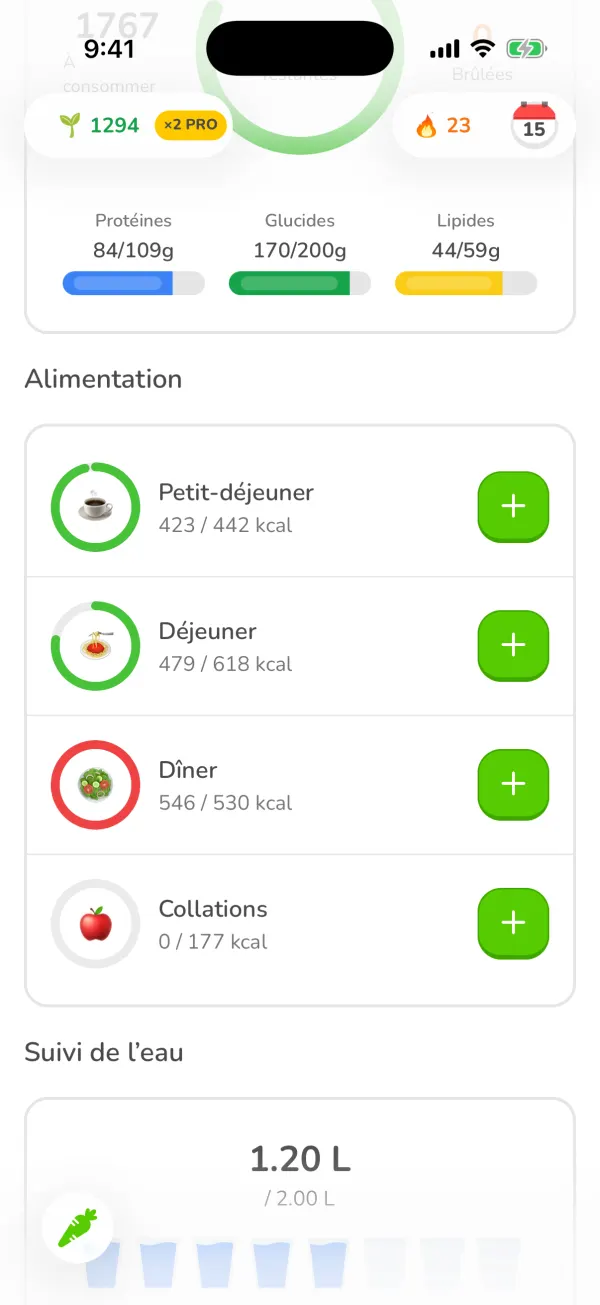
In Ubod, open the Meal tab, tap the + next to the right meal (Breakfast, Lunch, Dinner or Snacks), search for the food, tap the + on the right result, choose the portion, then tap "Add to Meal". Your calories and macros for the day update right away.
5 steps
How do I log a recipe in Ubod?
In Ubod, open the Recipes tab, pick a recipe, set the number of servings you eat, choose the meal and the date at the bottom of the screen, then tap "Add to journal". The recipe's calories and macros are already calculated per serving.
4 steps
How do I take a photo of a meal with Ubod's AI scan?
In Ubod, tap the + on a meal, choose the AI Scan tab, take a photo of your plate (or pick one from your gallery), answer the AI's quick questions, check the foods and quantities it found, then tap the add button, for example "Add to Lunch". The AI estimates the calories, protein, carbs and fat of each food.
5 steps
How do I search for a food or a product in Ubod?
In Ubod, tap the + on a meal and type the name or the brand in the Search tab. The All, Generic and Branded filters sort the results, and the button to the right of the field sets the country and language of the products. A product you can't find can be added with the AI Scan or found with the chat.
4 steps
How do I scan a barcode in Ubod?
In Ubod, tap the + on a meal, choose the Barcode Scanner tab and point your camera at the product's barcode. Ubod opens its page with the calories and macros: choose the portion and tap "Add to Meal".
3 steps
How do I use the Fanak chatbot in Ubod?
In Ubod, open the Chat tab and write to Fanak like you would to a friend, or tap a suggestion. Tell him what you ate: he prepares the entry with the calories and you tap Confirm. You can also ask him for a meal or snack idea, or to plan your recipes around your goal.
3 steps
How do I change my goal in Ubod?
In Ubod, open the Profile tab, tap the gear at the top right, then My Goals. Tap Goal to choose between losing weight, maintaining your weight, gaining weight or building muscle, then tap Save. Ubod recalculates your calories and macros for the day right away.
5 steps
How do I change Ubod's settings?
In Ubod, you open the settings from the Profile tab, with the gear at the top right. The Settings screen brings together Account, Profile, My Goals, Reminders, Privacy, Replay app tour, AI Usage, Units, Export Data and Help & FAQ, plus the choice of a light, dark or system theme.
4 steps
How do I use Ubod in ChatGPT and Claude?
Ubod has a connector for ChatGPT and Claude: an MCP server at https://api.ubod.app/mcp. Add it in the assistant's settings, sign in to your Ubod account, then type what you ate: the assistant logs your meals, water, weight and exercise, shows your day and your calories left, and finds recipes. Everything is saved to your account and shows up in the app.
6 steps